
Your first shortcut
Bind a combination to an action, and learn the three rules the editor plays by.
Open Lumi from the menu bar and pick the Shortcuts pane. It is what settings opens on.
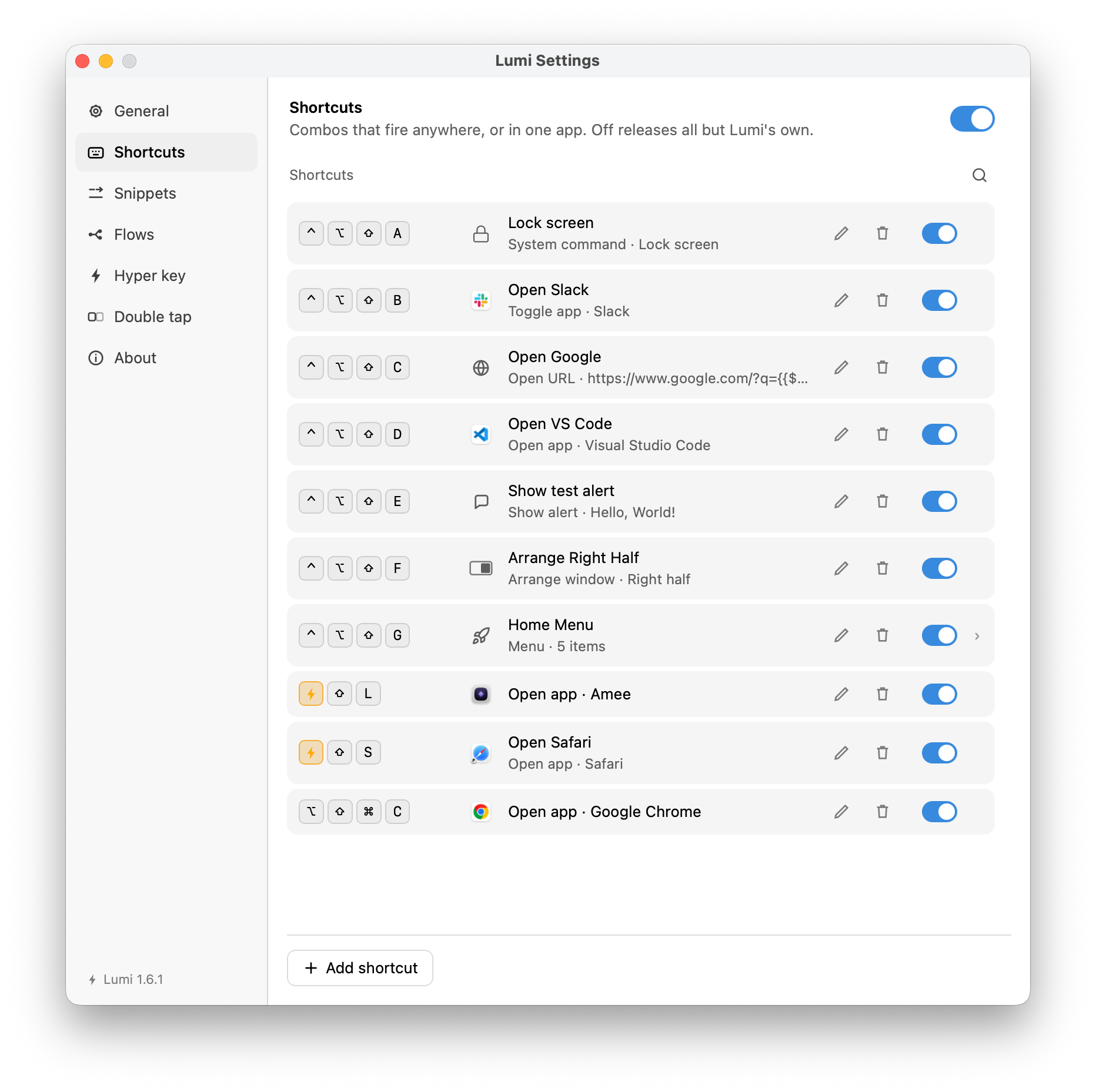
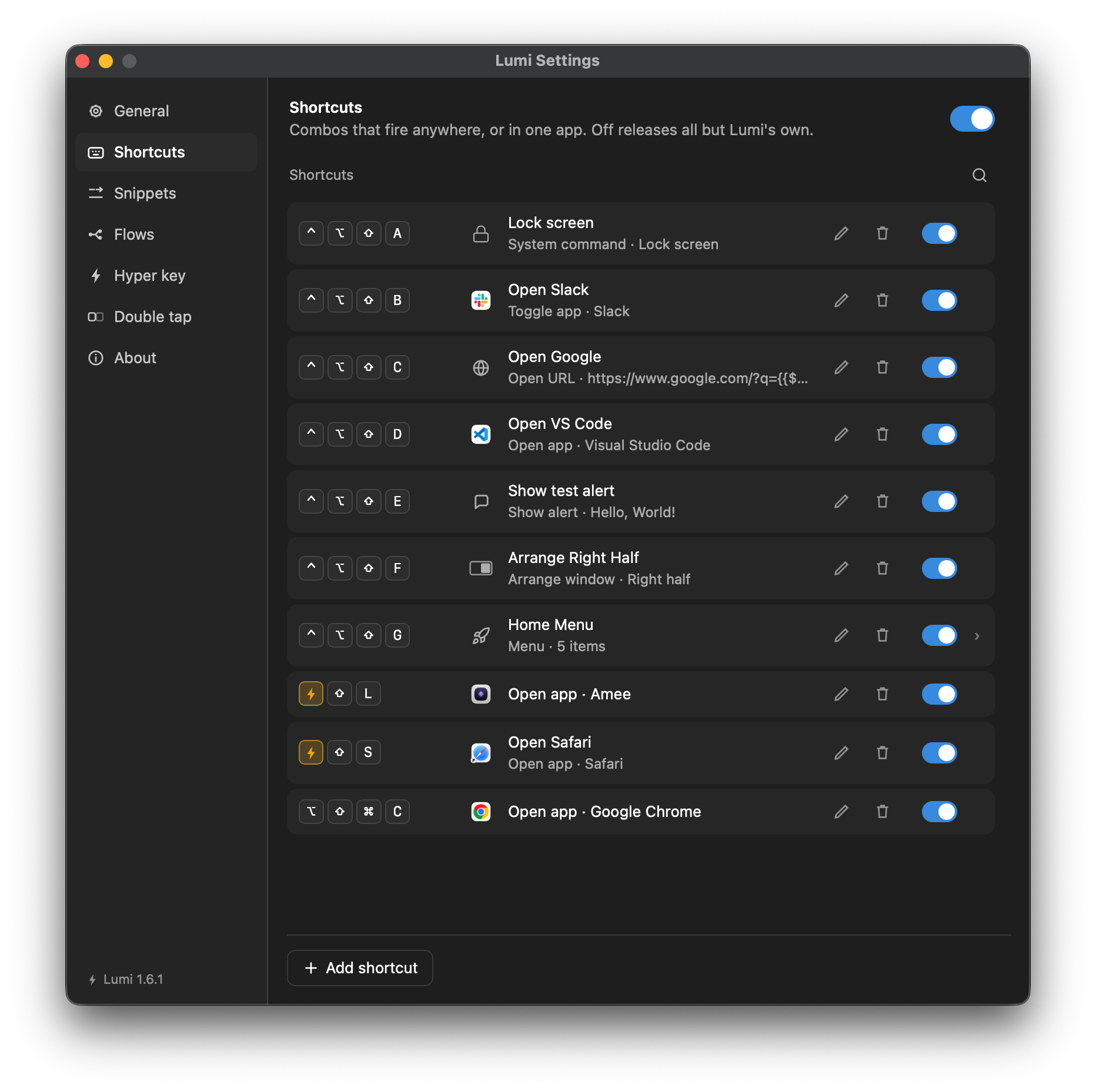
Add a row
- Press Add shortcut.
- Click the trigger field and press the combination you want. The field records what you press rather than asking you to spell it out.
- Pick an action.
- Fill in whatever that action asks for.
- Press Save.
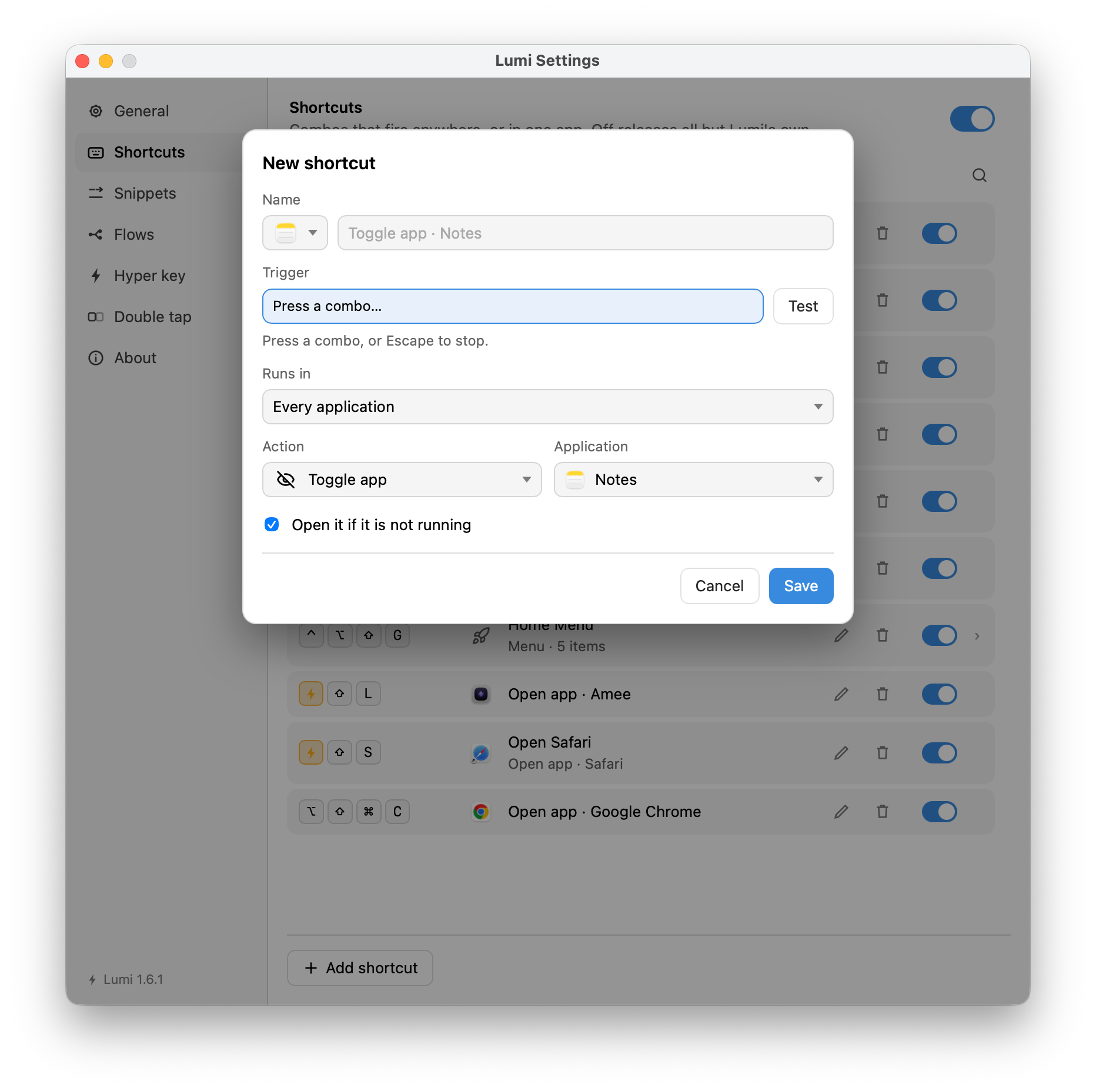
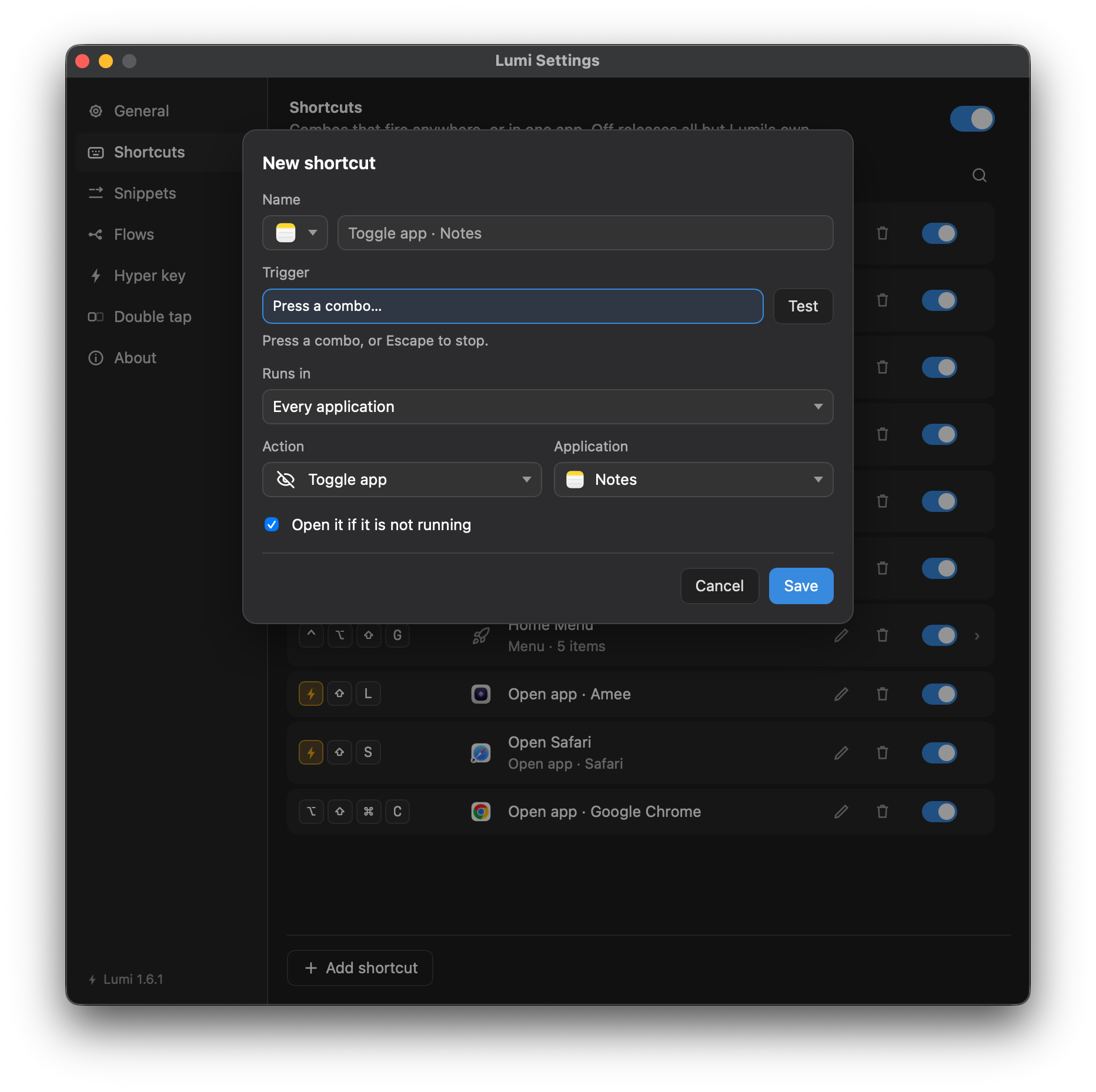
That is the whole loop. The row is live the moment it is saved — there is no apply step and no restart.
Try this one
A good first shortcut is Toggle application, because it is the one that has no equivalent anywhere else in macOS: the same combination shows the app and hides it again.
| Field | Value |
|---|---|
| Trigger | ⌥Space, or whatever is free |
| Action | Toggle application |
| Application | Your terminal, notes app, or anything you reach for constantly |
Press it once and the app comes forward. Press it again and it goes away.
Three rules worth knowing early
Save is when a form is checked
The Save button is always enabled. Press it with something missing and the error appears under the field that is wrong, and focus moves there. Nothing is said about a field you have not filled in yet.
The exception is anything about the gesture you just made — a combination already taken by another row, or one macOS will not let anybody register. Those are said immediately, because they are facts about the key you just pressed rather than about a form you are still writing.
A row that fails says so twice
A press that cannot be carried out — no Accessibility grant, an application that has been moved, a flow that is switched off — puts an alert on screen for two seconds and pins the reason to the row in the Shortcuts pane. The alert is because the normal state of Lumi is no window open; the row is because the alert is gone in two seconds.
Disabled is not deleted
Every row has a switch. A row that is off claims nothing — the combination is free for something else to take — and turning it back on re-registers it. There is no difference between a disabled row and a deleted one as far as the keyboard is concerned, which is what makes the switch a safe thing to try.