Dynamic variables
Names in double braces, filled in fresh every time something fires.
A replacement is a fixed string unless it holds a name in {{$…}}, which is
filled in afresh every time it fires:
| Trigger | Replacement | Comes out as |
|---|---|---|
;id | {{$uuid}} | 611c2e81-2ccb-42d8-9ddc-2d0bfa65c1b4 |
;today | {{$date}} | 2026-09-07 |
;ticket | PT-{{$randomInt}} | PT-482 |
;nextweek | {{$date("%d/%m/%Y", "+7d")}} | 14/09/2026 |
The same grammar works in six places: a snippet replacement, and the
shortcut actions Type text, Show alert, Copy to
clipboard, Open URL and Run command's arguments. In a URL the
substituted values are percent-encoded and the template's own ?, & and :
are left alone, so a variable can safely supply a query value — or the whole
address. In a command's arguments nothing is encoded and nothing is re-split:
each argument is substituted on its own, so a value holding spaces or a ; is
still one argument. A command's Program field is the one place a variable is
deliberately not read — it chooses which binary runs.
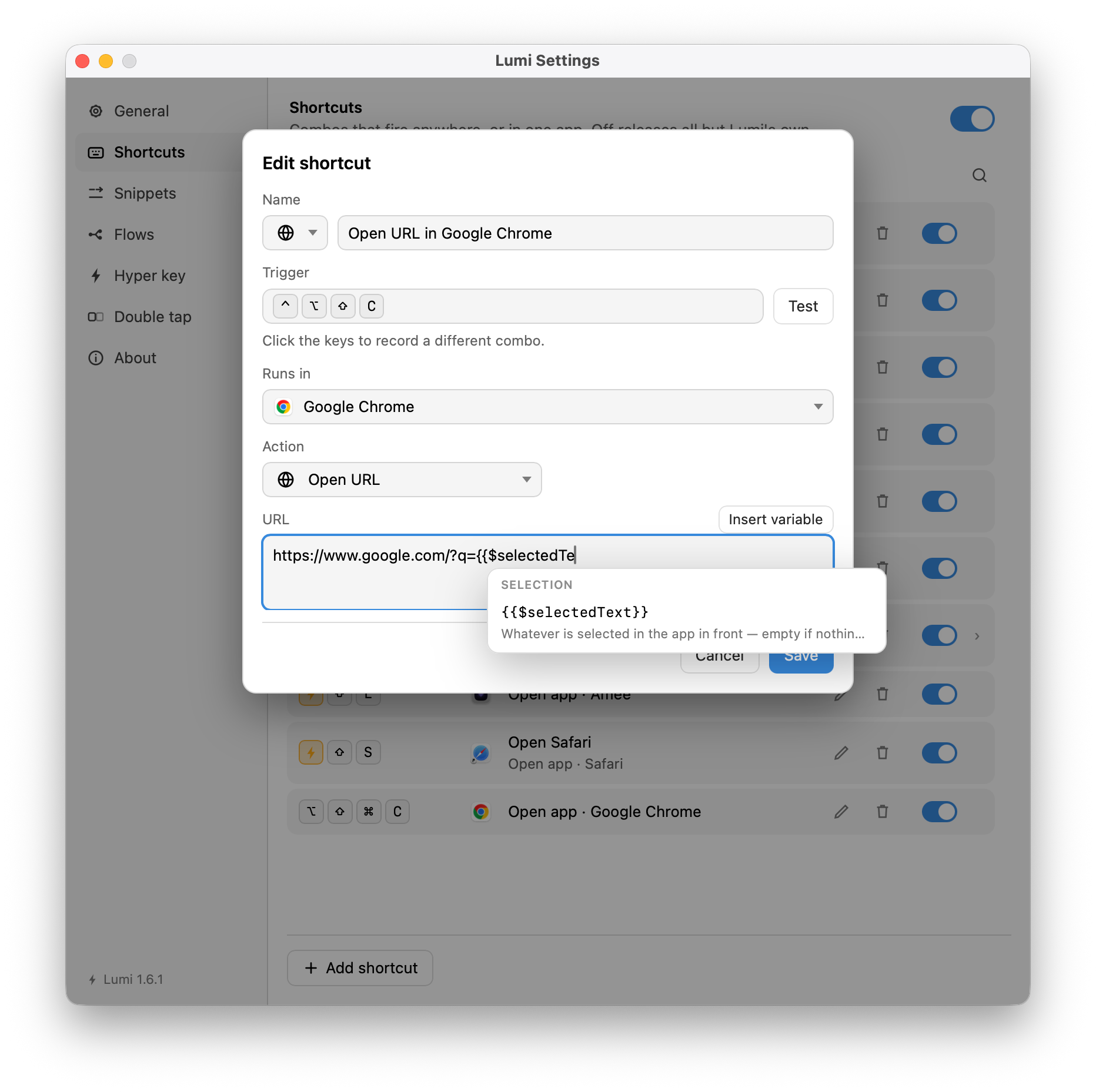
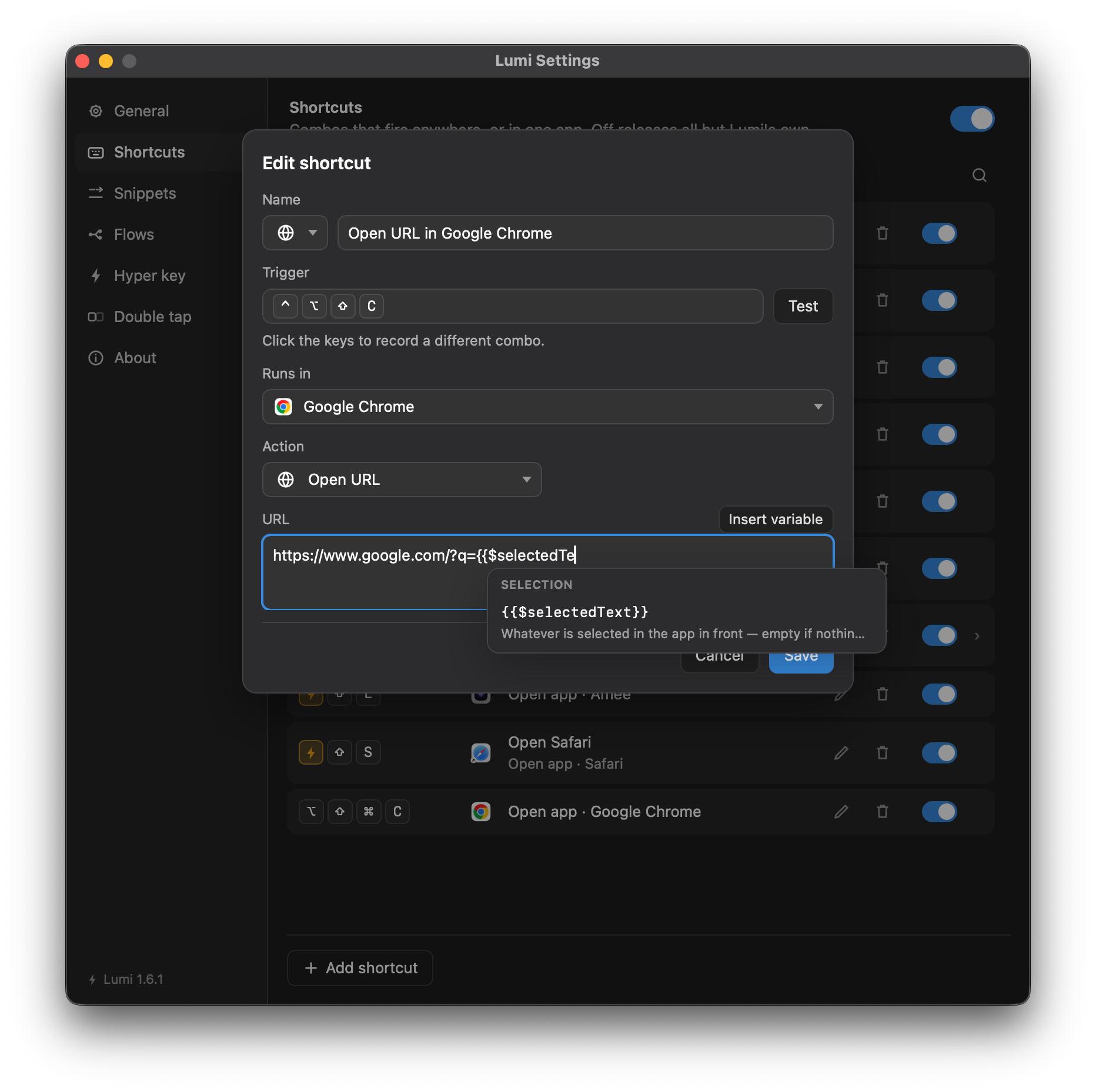
Every one of those fields carries an Insert variable button, and typing
{{ brings the same menu to the caret. It groups the names, completes the one
you are typing and says what it stands for; once the parentheses are open it
shows the signature of the call you are in with the argument you are typing lit,
and offers values for that argument — every date format with the date it would
produce, every offset with the day it lands on. It is the same menu the
flow editor uses over node params.
The catalogue
Thirty-two generated names, in six groups. Each occurrence is evaluated on its
own, so two {{$uuid}} in one replacement are two different UUIDs.
Identifiers
| Name | Is |
|---|---|
{{$uuid}} | A UUID, version 4 |
{{$ksuid}} | 27 characters that sort by the time they were made |
{{$nanoId}} | 21 characters, safe in a URL |
{{$uuid}} was called {{$randomUUID}} in earlier versions, and the old
spelling still resolves everywhere the new one does — including
lumi.randomUUID() in a
script. Nothing rewrites
your snippets, flows or shortcuts, so anything written before the rename goes on
working; only the menus changed, and they offer {{$uuid}} alone.
Date and time
| Name | Is |
|---|---|
{{$timestamp}} | Seconds since 1970 |
{{$isoTimestamp}} | Now, ISO 8601, UTC |
{{$date}} | Today, as 2026-09-07, local time |
{{$time}} | Now, as 14:05, local time |
All four also stand in a shortcut's Name field,
where they tick: a leader menu row named
{{$time("%H:%M:%S")}} is redrawn every second for as long as the panel is up.
Nothing else that makes a value up is allowed there — a {{$uuid}} on a
cheatsheet would show one value and press a different one, with nothing able to
bring the two together, where a clock is only ever the same clock read a moment
earlier.
Text and numbers
| Name | Is |
|---|---|
{{$randomInt}} | A whole number from 0 to 1000 |
{{$randomAlphaNumeric}} | One letter or digit |
{{$randomBoolean}} | true or false |
{{$randomWord}} | A single word |
{{$randomWords}} | A handful of words |
{{$randomLoremSentence}} | A sentence of filler |
{{$randomHexColor}} | A colour as #1E90FF |
{{$randomColor}} | A colour by name |
People
| Name | Is |
|---|---|
{{$randomFirstName}} | A given name |
{{$randomLastName}} | A family name |
{{$randomFullName}} | Both, together |
{{$randomUserName}} | A username |
{{$randomJobTitle}} | A job title |
{{$randomPhoneNumber}} | A telephone number |
Internet
| Name | Is |
|---|---|
{{$randomEmail}} | An address at example.com |
{{$randomUrl}} | An https address |
{{$randomDomainName}} | A domain |
{{$randomIP}} | An IPv4 address |
{{$randomIPV6}} | An IPv6 address |
{{$randomUserAgent}} | A browser user agent string |
{{$randomPassword}} | A throwaway password |
Places and business
| Name | Is |
|---|---|
{{$randomCity}} | A city |
{{$randomCountry}} | A country |
{{$randomStreetAddress}} | A street and number |
{{$randomCompanyName}} | A company |
Arguments
Seven names take arguments, in parentheses after the name. The parentheses are optional — a name written without them means what it always meant.
| Written | Comes out as | Without arguments |
|---|---|---|
{{$randomInt(10,100)}} | 73 | 0 to 1000 |
{{$date("%d/%m/%Y")}} | 07/09/2026 | %Y-%m-%d |
{{$time("%H:%M:%S")}} | 14:05:32 | %H:%M |
{{$date("%Y-%m-%d", "+7d")}} | 14/09/2026 | today |
{{$randomAlphaNumeric(12)}} | k2Bq9zXm4Wtd | one character |
{{$randomWords(5)}} | tenetur enim aut aut sapiente | three to five |
{{$randomLoremSentence(6)}} | six words and a full stop | four to eleven |
{{$randomPassword(24)}} | 24 characters | 12 to 16 |
Numbers are written bare, text in double quotes. A date or time format is strftime. Counts are capped — 512 characters, 128 words — because whatever comes out is pasted straight into your document.
An offset is a sign, a number and a unit: +7d, -1w, +3mo, -1y,
+2h, +30min, -45s. The sign is required. A bare m is not a unit —
minutes are min and months are mo. An argument cannot contain }}.
A name Lumi does not know is left exactly as written rather than dropped,
because it is a typo far more often than a request — as are arguments it cannot
read. {{$randomInt(100,10)}} and {{$date("%Q")}} come out just like
that. Falling back to a default would be worse: ask for a number between 10 and
100, get one between 0 and 1000, with no way to tell.
The three that read the machine
Every name above makes something up. Three more read state, and they are handled differently. All three stand in a shortcut's Name field as well, which is the other thing they have in common — see Date and time above for the four names that get there by a different argument.
{{$clipboardText}}
What is on the pasteboard, as plain text — a copied image, a copied file or an empty clipboard all come out as nothing at all. Past 16,384 characters it declines and the token comes out as you wrote it.
An expansion that used it is never written to History, whatever the
pasteboard says about itself, because that is where one-time codes and session
URLs end up. It also stands in a shortcut's Name field,
and a snippet script
reaches it as lumi.clipboardText() — sealed out of History the same way.
{{$selectedText}}
What is selected in the front application. It stands in Type text, Show
alert, Copy to clipboard, Open URL, Run command's arguments and a
shortcut's Name — and not in a snippet replacement, by either spelling
(lumi.selectedText is not bound in a script), which is not an omission: a
snippet fires mid-word, when nothing is selected.
It is read through Accessibility where the app exposes it (native apps, Safari), and through a synthesised ⌘C where it does not (Chrome, Electron, terminals). The copy is worth knowing about: a clipboard manager will record it. Lumi's own History never does, but a third-party one has no way to know the copy was Lumi's.
Read from a web page through Accessibility, it leaves out the numbers and bullets of any list it runs through, with a line break where each item began.
In a URL, the selected value is percent-encoded unless the field holds
nothing but the variable — then it is the URL, taken as it stands, and
narrowed to https, http and mailto because the scheme now comes from
another app's window.
Nothing selected comes out as nothing, and the shortcut still fires. A missing Accessibility permission is different: there the press is refused and says which permission it needs.
{{$frontApp}}
The name of the application in front, as macOS shows it — Safari, Notes,
Terminal. It stands in a snippet replacement, in all five action fields
and in a shortcut's Name, and a snippet script reaches it as
lumi.frontApp().
It is the cheapest of the three by a wide margin, and that is why it stands everywhere the other two do not. Lumi already knows which app is in front — macOS tells it on every switch, for scope and for the typing buffer — so there is nothing to ask and nothing to wait for. In particular there is no permission behind it and no synthesised ⌘C: a replacement holding it fires in an app that has granted Lumi nothing at all.
Nothing in front comes out as nothing, rather than as the token — unlike a clipboard past its ceiling, that is an answer and not a refusal.
Previews show ⟨app in front⟩ rather than a real name, in the snippet
sheet, the hover bubble, the Playground and the alert Preview button. While
any of those is open the app in front is Lumi, so a live reading would say
Lumi — true of the moment you are editing in, and true of no moment the
snippet will ever fire in. {{$selectedText}} shows ⟨your selection⟩ for the
same reason. A snippet script is the exception: lumi.frontApp() answers
for real even in a preview, because a script can branch on the value and a
preview that ran a different program than the press will is worse than one that
names the wrong window.
It is not sealed out of History the way {{$clipboardText}} is, and that is
deliberate: History already records which application every expansion went into,
so hiding the name from one column while printing it in the next would protect
nothing.
Like the other two it is not offered in a flow
expression, and for their reason: the app.frontmost node reads it, declares
the Applications capability, and so appears on the import review that lists
what a flow can touch. A variable doing the same thing quietly would walk around
that screen.
The Playground
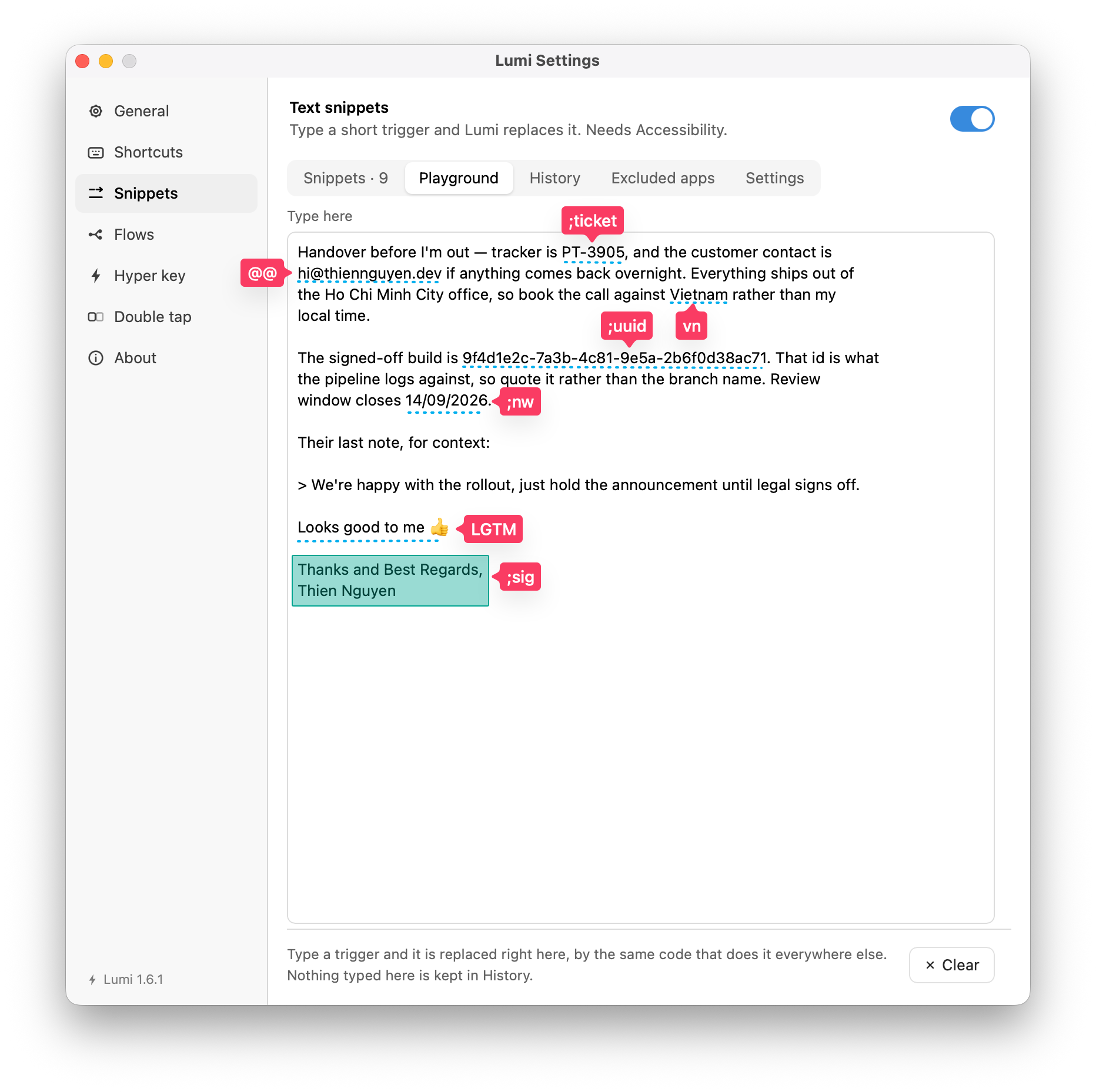
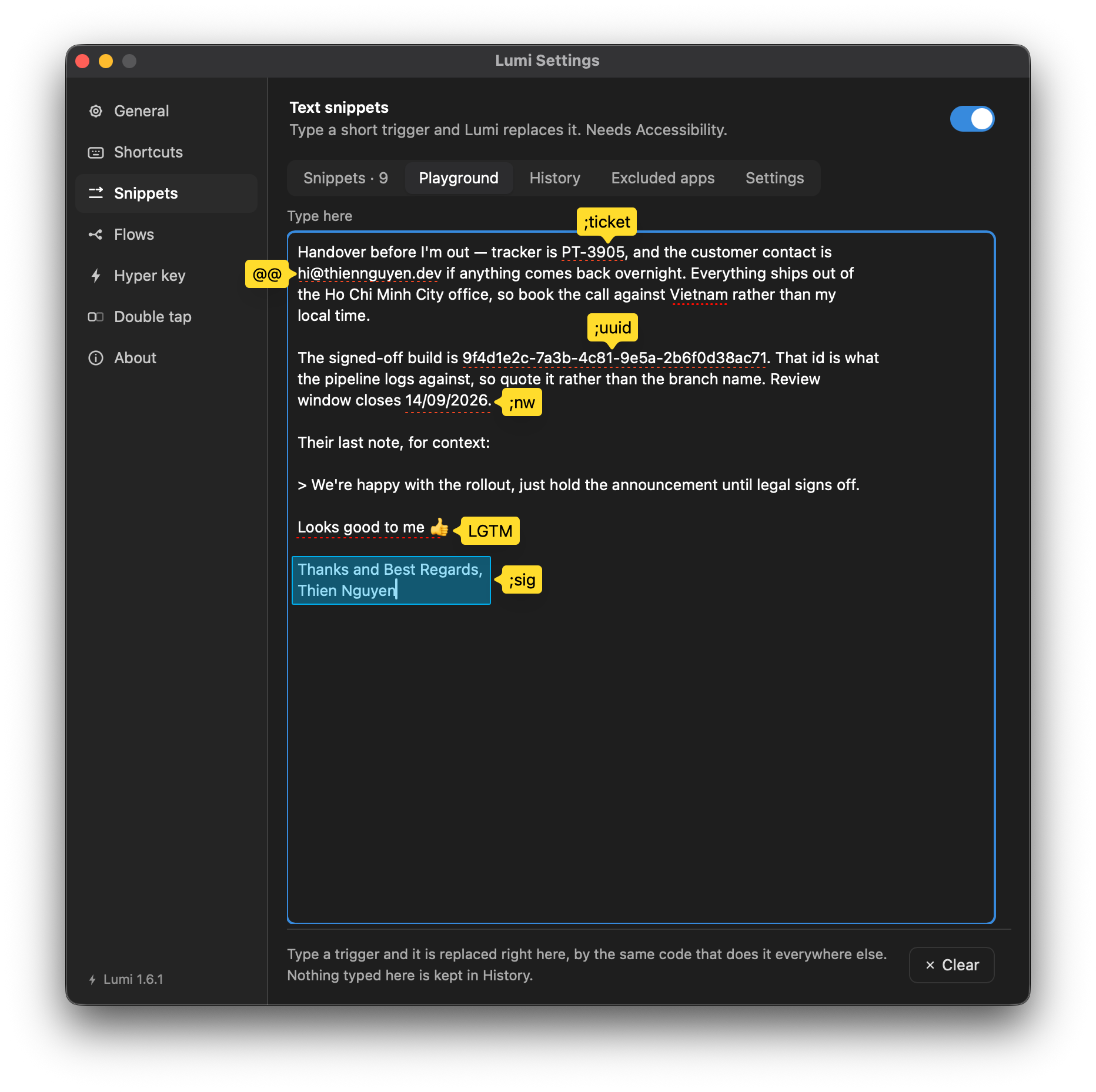
Snippets → Playground renders any of the above in place, by the same code that runs everywhere else — the fastest way to see what an argument does.